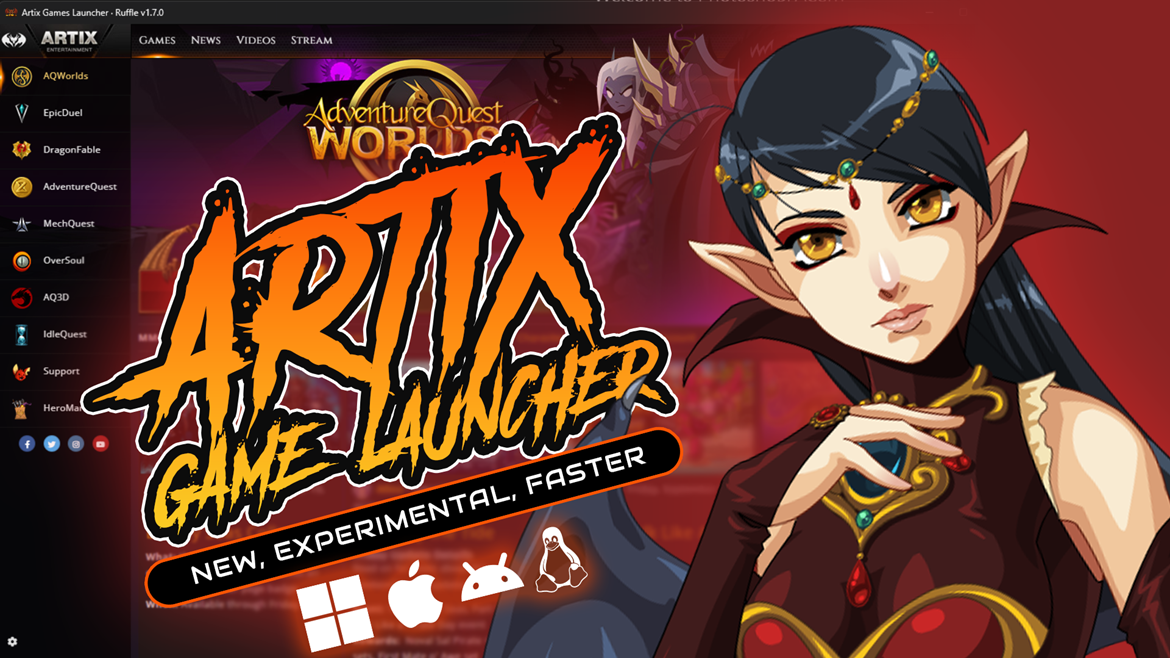
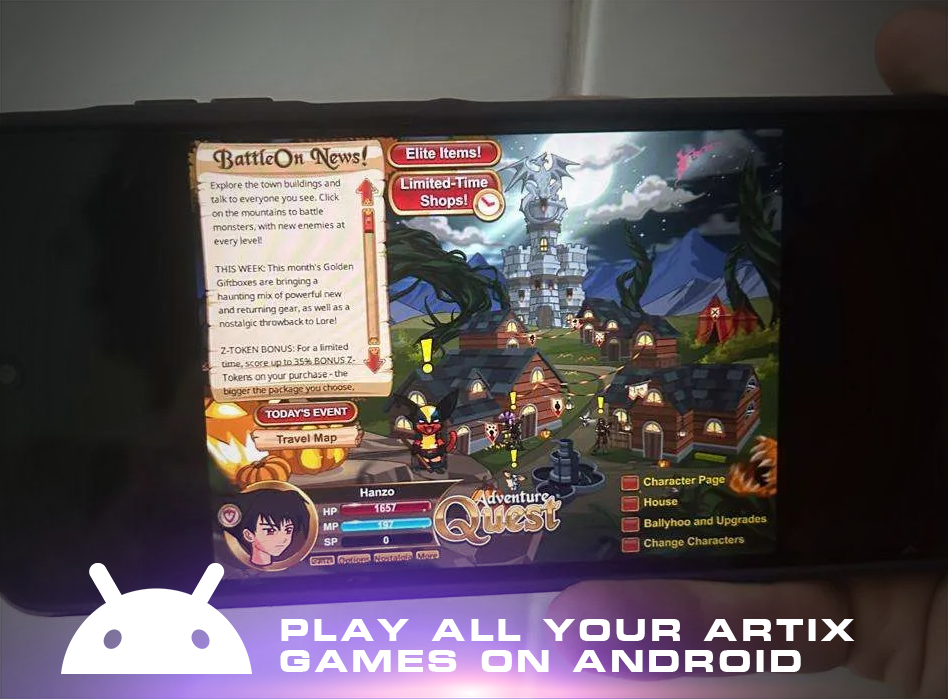
This is an official new version of Artix Entertainment's Launcher that allows you to play all of our Flash games FASTER than ever before on your Android mobile device, or Windows/Mac/Linux Computer. Updates are going to be fast and furious as we begin the journey that will take all of your favorite, original, Artix Entertainmet video games to Steam and the App Stores. We encourage users with older computers & devices to help us test. Check this page daily for the latest updates.
Please help test and report bugs to us at Bugs.Artix.com
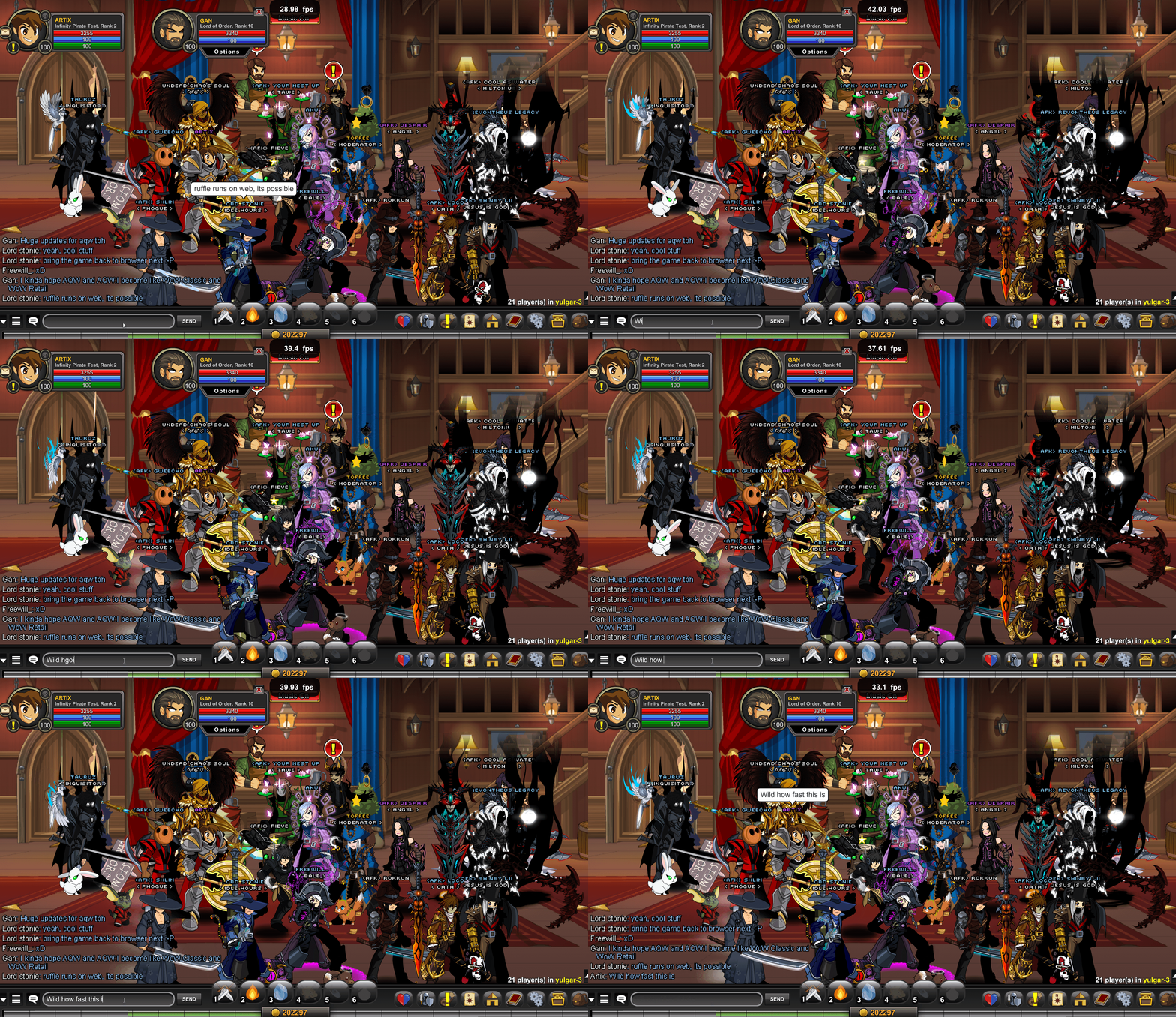
"This GIF is not sped up. It is crazy how fast all of the original Artix Games run on this!"
Updated November 6th, 2026
The BattleOn Engine — November 2026 Update
A new name! The engine is now called The BattleOn Engine. Mac players: after installing, delete the old "Artix Games Launcher · Ruffle" app. Your settings carry over.
Faster room loading. Busy rooms load in faster.
Better performance in crowded areas. Rooms like Yulgar run noticeably faster on most PCs.
Improved FPS. Fast graphics cards no longer get stuck at low FPS after joining a busy room.
Smoother movement. Frames now line up with your screen, so walking no longer hitches every second or so.
Better performance on older devices. Weaker computers and phones draw faster, and menus and still screens use less power.
Two-finger touch controls. Phones and tablets can now use two fingers at once. In AQW, hold the joystick and tap a skill. In DragonFable, hold a finger anywhere and tap a battle button.
Lower memory usage on phones. Joining rooms uses less memory, so the game should be closed less often in busy rooms.
New graphics option. "Softer edges (faster)" trades slightly rougher edges for a higher frame rate. It's off by default.
Copy and paste everywhere. PC and Mac players can copy and paste in the launcher, its sign-in window, and game text boxes.
Improved problem reports. "Report a problem" sends more details with your report, so we rarely need to ask you again.
Android settings. The game menu now includes Settings.
AdventureQuest Worlds: The /spellcraft runes glow red again, armor pieces no longer show gray lines on weaker devices, and the Visage of the Ifrit Assassin Lord's glow is soft again.
DragonFable: Heavy weapons no longer cause slow motion on big tablets, and the Fire Paradigm portal item looks right when you hover it.
EpicDuel: Logout and Change Server work again.
AdventureQuest: The victory scroll shows gold, experience, and daily cap numbers again.
"Adjusting renderer" no longer appears over and over.
Fixed a crash when leaving a game that's still loading.
Windows and Linux: Sound now follows headphones when you plug them in or out.
Clear Cache now works while a game is open.
Your character no longer keeps running after you right-click while moving.
These fixes address problems that only happen on certain phones, graphics cards, or drivers. We couldn't test them on every device, so they are potentially fixed.
If you've experienced one of these problems, please check and let us know on the Bug Tracker whether it's fixed or still happening.
Windows — NVIDIA: Scrambled graphics after playing for a while on NVIDIA cards with 2 GB of memory (GTX 750 Ti, 950, 960, 1050, GT 1030).
Windows — AMD: Coloured dots on DragonFable's Book of Lore pictures on AMD Radeon RX 7000 graphics.
Windows — Intel: Half-second freezes on laptops with Intel graphics.
Android — PowerVR: Black screens on phones with PowerVR graphics (Infinix Note 40 Pro 5G, Redmi Note 14 5G).
Android — MediaTek: The game closing after a few map changes on Helio P35, G35, and G37 phones (Galaxy A12, A03s, A10s, Redmi 9A, and 9C).
Android — Snapdragon: A crash during long fights on some Snapdragon phones.
Lower resolution when slow: This setting is now off by default. You can turn it on in Settings.
Windows: There is now one 64-bit download. Windows on ARM laptops can run it too.
Steam Deck and Linux: The launcher works even when the system is missing the web component it needs.
The first time you open the app, macOS may ask you to confirm it.
Open the app, then go to System Settings > Privacy & Security and click Open Anyway.
We're still working on making The BattleOn Engine run smoother on older devices, and we won't give up on that.
It would help us tremendously if you send launcher issues to the Bug Tracker, including your hardware specifications whenever possible.
Thank you for helping us make The BattleOn Engine better for everyone!
October 30, 2026
Report a Problem: You can now report problems directly from the launcher or a game's menu. Reports include your message and helpful technical information.
Automatic Graphics Quality: Games can automatically lower their resolution when running slowly, then return to full quality when performance improves. You can turn this feature off in Settings.
Remember Window Size: Games now remember their previous window size, including whether they were maximized.
DragonFable Touch Controls: Scroll through shops, inventory, item information, and logs using your finger. Flick to keep scrolling, or hold a skill to view its description.
Graphics Recovery: If your graphics card stops responding, the game can automatically switch to a more reliable graphics mode.
Graphics Adjustment Notice: A message now appears when the game needs to briefly adjust its graphics.
Better Performance on Older Computers: Busy areas, including arenas, run significantly faster with fewer freezes and stutters.
Faster Special Effects: Glows, blurs, shadows, and fog effects run much more smoothly.
Smoother Maps and Cutscenes: Moving across large maps and watching cutscenes is now up to five times smoother.
Better Fullscreen Performance: Improved speed and memory usage at high screen resolutions.
Faster Loading: Large maps load up to twice as fast while using less memory.
Smarter Performance Settings: Games automatically reevaluate their graphics settings instead of remaining stuck in a slower mode.
Improved Windows Performance: Windows no longer places visible games into power-saving Efficiency Mode.
Higher Frame Rates: Games designed to run above 60 frames per second can now run at their intended speed.
Android Improvements: Better performance for glowing weapons in DragonFable and improved stability on devices with limited memory.
AdventureQuest Worlds: Map and character glows now look more like the original Flash version. Maps that get stuck loading will automatically retry.
AdventureQuest: Fixed buttons sometimes failing to respond after changing screens.
DragonFable: Fixed characters briefly freezing between animation frames. Walking and attacking are now smoother with Smooth Motion enabled.
MechQuest: Fixed a black screen at the end of the liftoff cutscene.
EpicDuel: Fixed performance slowing down after repeatedly changing hairstyles or outfits.
All Games: Improved text sizing and positioning to better match the original Flash Player, including fullscreen and zoomed views.
All Games: Improved loading reliability and prevented incomplete downloads from being saved.
All Games: Forcing a game to close no longer causes it to start in a slower graphics mode next time.
Windows: Improved performance and graphics stability.
Linux: Fixed launcher window buttons and games opening at incorrect sizes.
Mac: Fixed graphics appearing as colored noise on certain Intel Macs.
Android Phones: Fixed several graphics issues involving glows, blurs, and colors.
Mobile Devices: Improved stability on certain Samsung, MediaTek, Adreno, and Mali devices.
Phones: Improved the login screen so the password field stays visible above the keyboard.
AMD Graphics Cards: Fixed several visual glitches and graphics driver issues.
Some device-specific fixes could not be tested on the exact affected hardware. Please let us know if you continue experiencing problems!
Mac Users: The first time you launch the app, macOS may ask you to confirm that you want to open it.
Try opening the app and click Done when prompted.
Open System Settings → Privacy & Security.
Click Open Anyway to allow the launcher to run.
On macOS 14 and older, you can also right-click the app and select Open to confirm.
Thank you for playing Artix Entertainment games! Your feedback helps us keep making the launcher faster, smoother, and better for everyone.
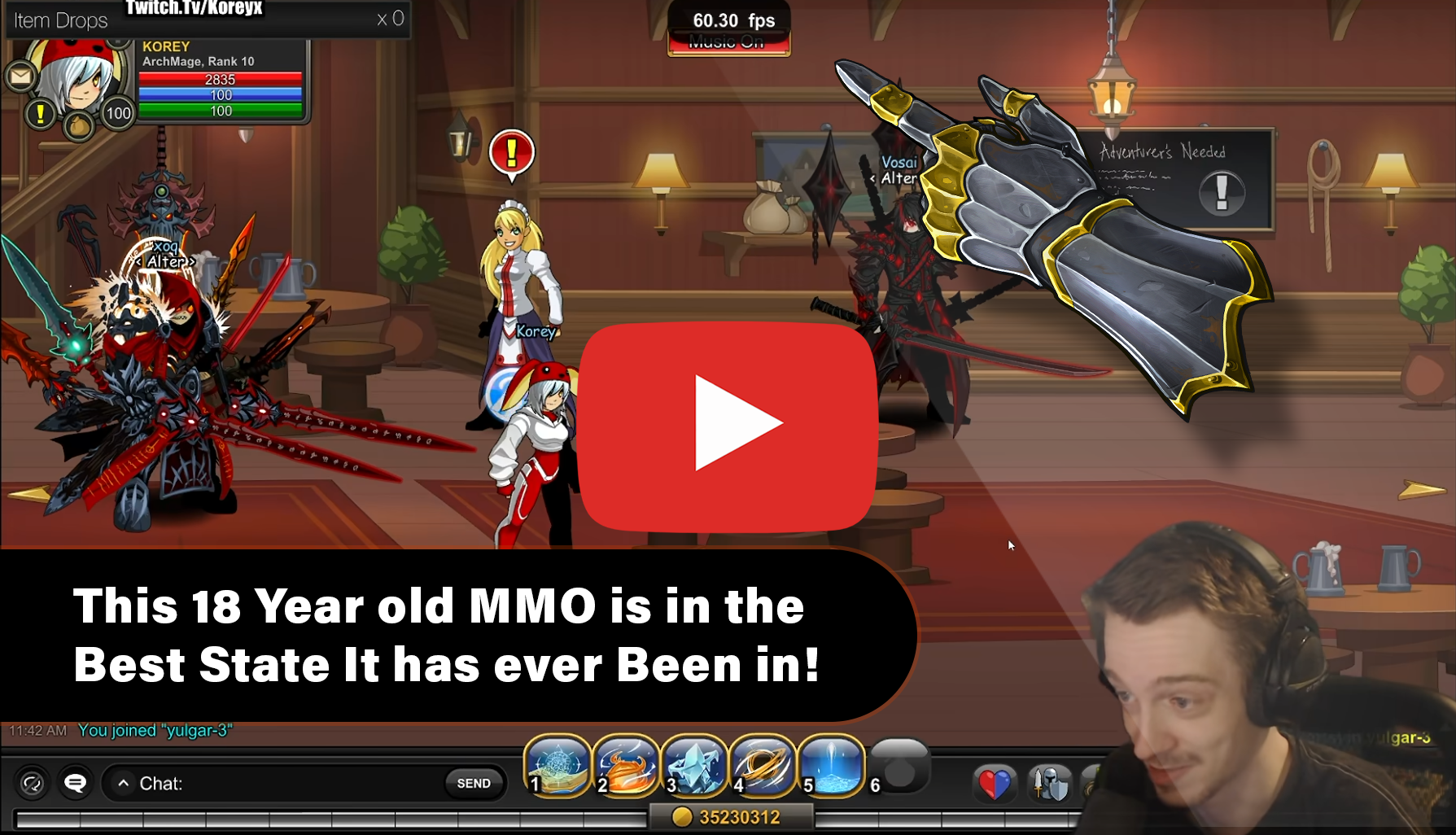
Watch Korey's review of Artix Expedrimental Launcher 3.0
October 23, 2026
These are for problems that only happen on certain phones, graphics cards or drivers. We couldn't test them on every device, so they are potentially fixed. If you have one of these, please check and let us know on the Bug Tracker whether it's fixed or still happening.
We're still working on making the launcher run smoother on older devices, and we won't give up on that. It would help us tremendously if you send launcher issues to the Bug Tracker, with your hardware specs if possible.
Thanks,
Spider
October 21, 2026
What's new
Works on more computers and phones
Fixes
Other changes
Good to know

The new launcher looks.... exactly like the old one. It just runs CRAZY faster!